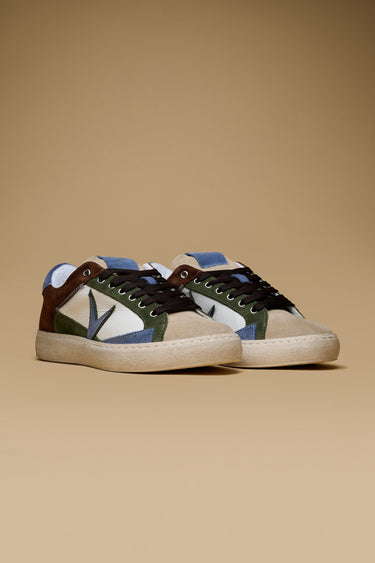
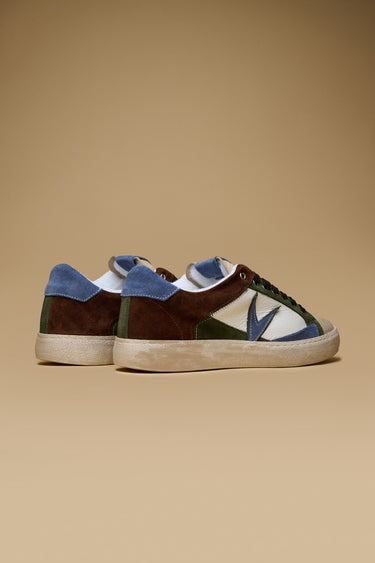
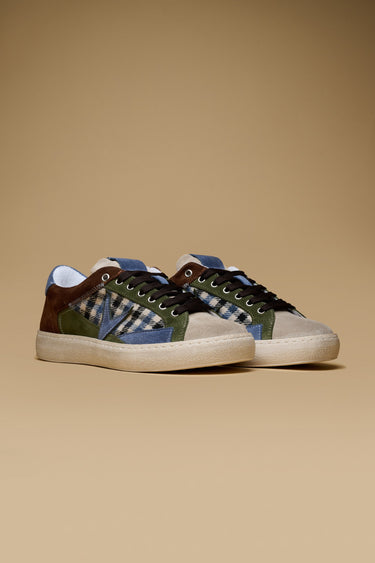
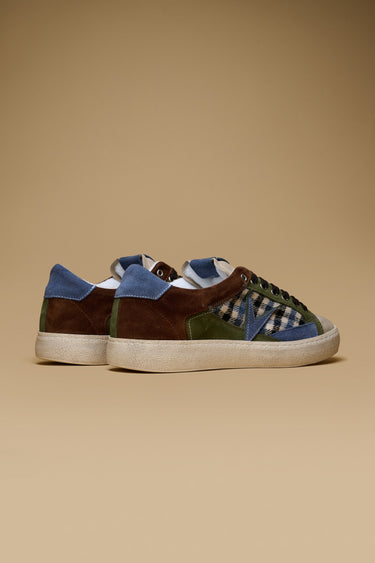
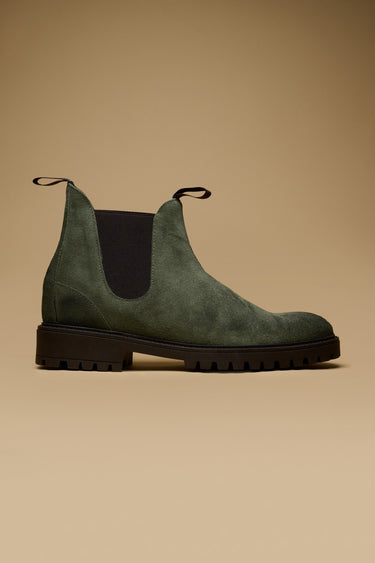
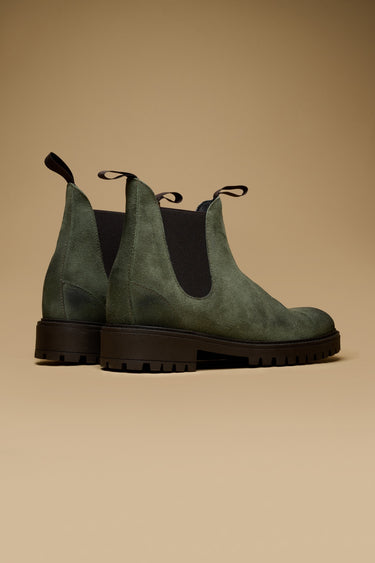
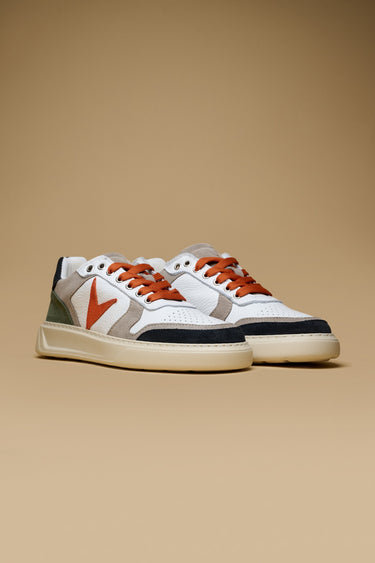
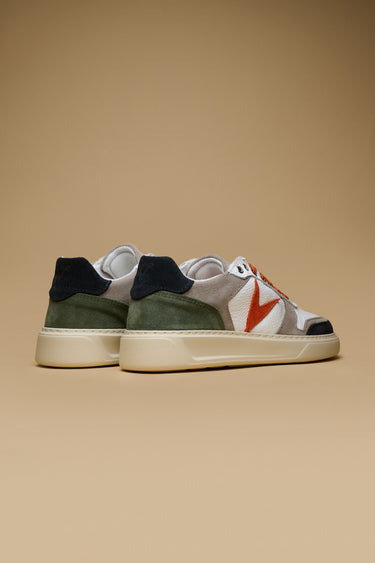
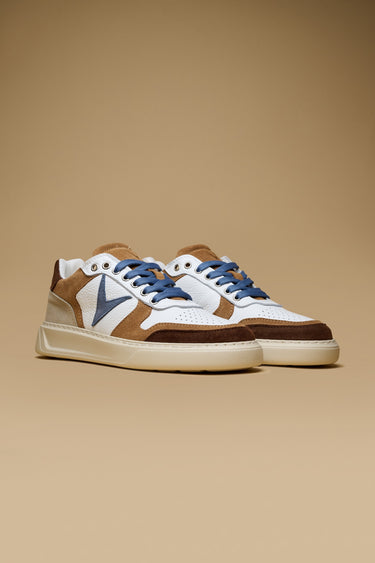
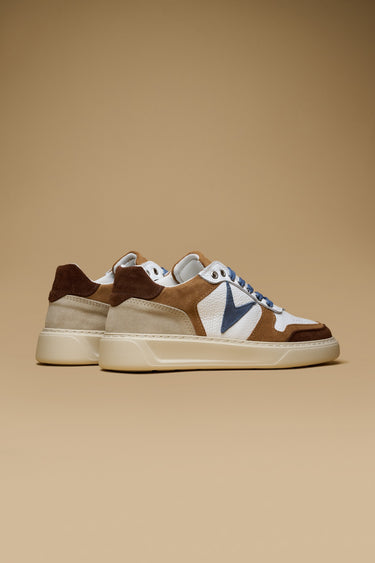
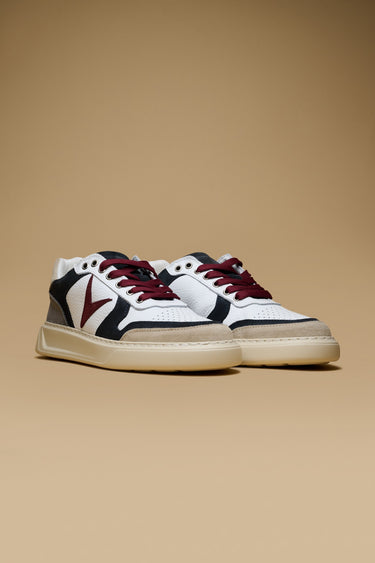
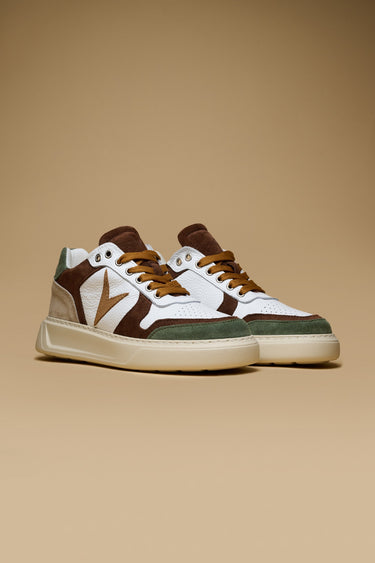
![PABLITO - Dark Brown sneakers with Military Green leather and denim inserts]()
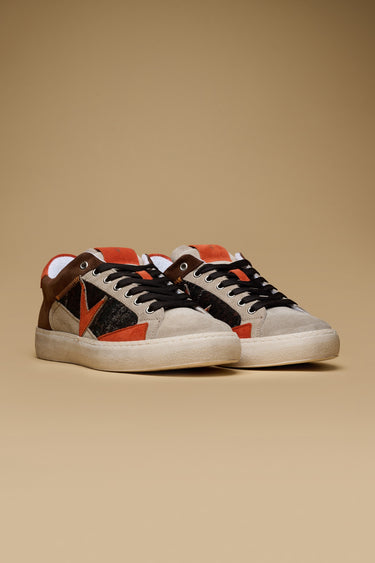
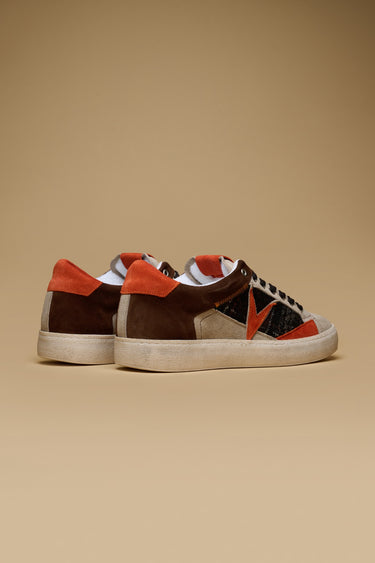
Quick view![PABLITO - Dark Brown Sneakers with Sand, Orange, and V2 fabric inserts]()
![PABLITO - Dark Brown Sneakers with Sand, Orange, and V2 fabric inserts]()
Quick view![PABLITO - Dark Brown Sneakers with Sand, Gold, and Leopard V2 fabric inserts]()
![PABLITO - Dark Brown Sneakers with Sand, Gold, and Leopard V2 fabric inserts]()
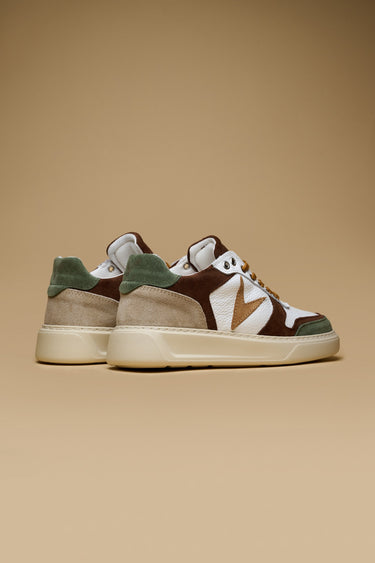
Quick view![PABLITO - Dark Brown sneakers with Military Green inserts, Jeans and V2 fabric]()
![PABLITO - Dark Brown sneakers with Military Green inserts, Jeans and V2 fabric]()
Quick view![PABLITO - Black sneakers with grey and silver inserts]()
![PABLITO - Black sneakers with grey and silver inserts]()
Quick view![PABLITO - Black sneakers with Grey, Silver, and V2 Zebra-print fabric inserts]()
![PABLITO - Black sneakers with Grey, Silver, and V2 Zebra-print fabric inserts]()
Quick view![SHERLOCK - Military Green suede ankle boot with V2 fabric insert]()
![SHERLOCK - Military Green suede ankle boot with V2 fabric insert]()
Quick view![SUPERSTAR - High-sole sneakers White with Blue, Military Green and Orange inserts]()
![SUPERSTAR - High-sole sneakers White with Blue, Military Green and Orange inserts]()
Quick view![SUPERSTAR - High-sole sneakers White with Dark Brown, Leather and Light Blue inserts]()
![SUPERSTAR - High-sole sneakers White with Dark Brown, Leather and Light Blue inserts]()
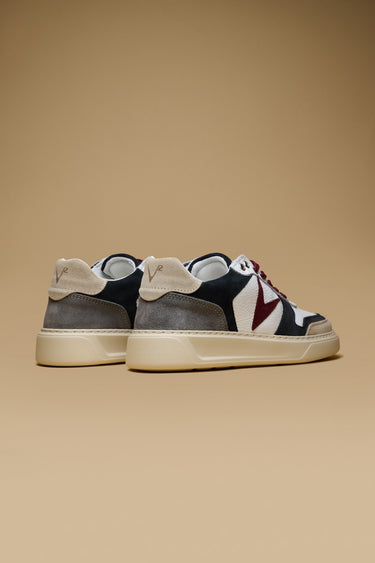
Quick view![SUPERSTAR - High-sole sneakers in White with Sand, Blue, and Burgundy inserts]()
![SUPERSTAR - High-sole sneakers in White with Sand, Blue, and Burgundy inserts]()
Quick view![SUPERSTAR - White platform sneakers with Military Green, Dark Brown and Tan inserts]()
![SUPERSTAR - White platform sneakers with Military Green, Dark Brown and Tan inserts]()
Quick view


You have copied the placement for the Product Page.
Go back to the App Embeds section, and in the Paypal Advanced Settings, paste the copied value into the Product Page field and click the 'Save' button in the top right corner.